
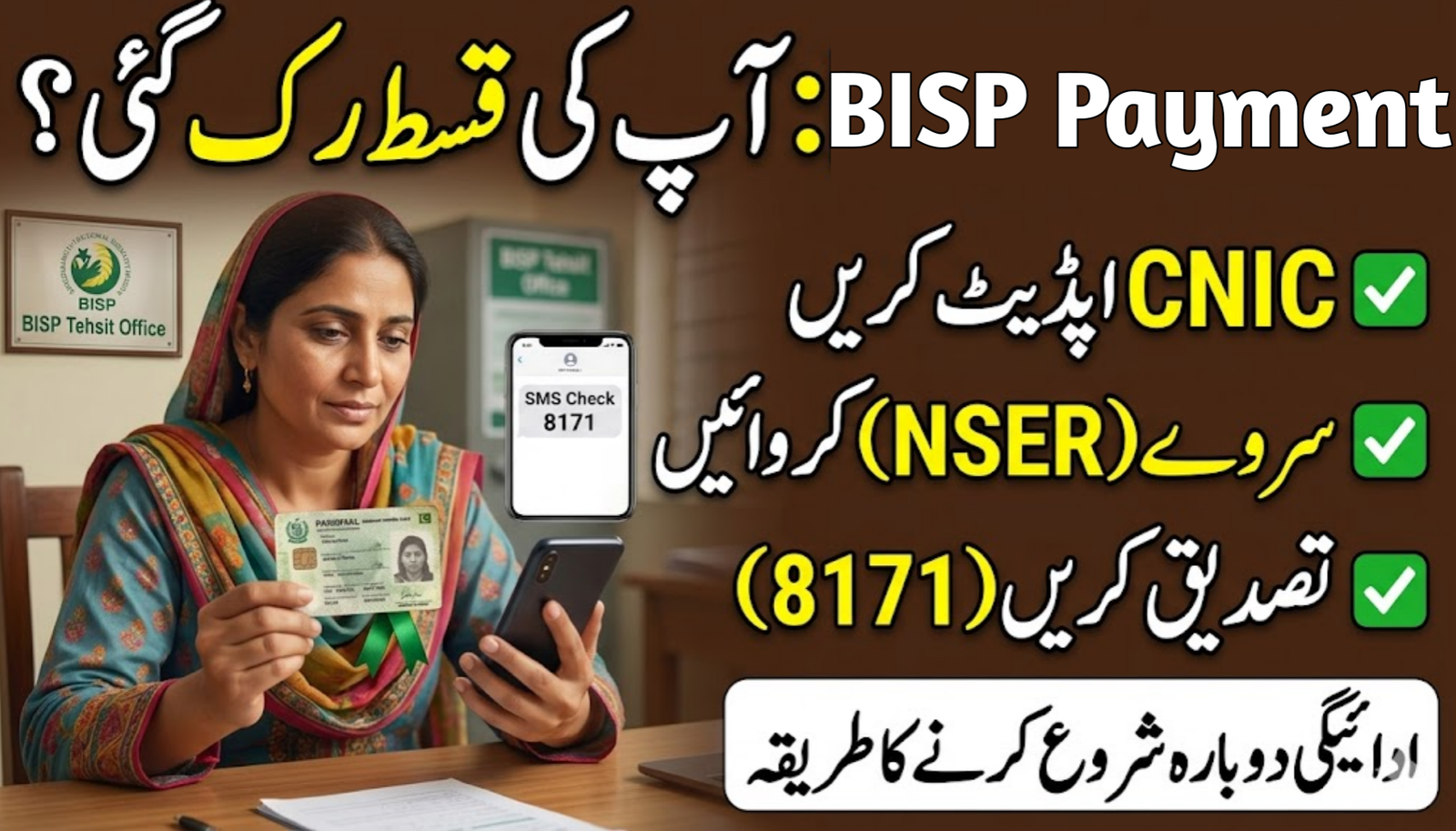
If you’re a Benazir Income Support Programme (BISP) beneficiary in 2026 and your quarterly stipend has stopped or paused, this guide breaks down exactly what to do — step‑by‑step — to continue receiving your payments without delay. Millions across Pakistan depend on this support, and official rules from the BISP 8171 Web Portal apply strictly in 2026.
Table of Contents
Table: How to Continue BISP Payments 2026
| Detail | Your BISP Payments 2026 |
| Program | Benazir Income Support Programme |
| Official Portal | https://8171.bisp.gov.pk |
| Payment Code | SMS to 8171 |
| Quarterly Amount | Approx Rs. 13,500 (varies) |
| Verification Required | CNIC + Biometric |
| Payment Channels | Retail outlets, partner banks |
| NSER Survey | Mandatory for eligibility |
| Support | Official helpline below |
What exactly are “Continue BISP Payments”?
When people talk about keeping BISP payments active, it means making sure your quarterly cash assistance isn’t stopped due to verification issues, expired documents, or outdated household data. This information is collected from official BISP announcements and top Google sources.
Why BISP Payments Can Stop
Understanding the root causes helps you act quickly:
- Expired CNIC – Must be renewed
- Outdated NSER data – Needs updating
- Biometric mismatch – Re‑verification required
- Payment system pause – Temporary verification process
- PMT score review – Revisit at BISP office
These are the most common reasons payments get paused or temporarily suspended.
How to Reactivate or Continue BISP Payments
Follow this simple checklist to ensure your payments don’t stop:
- Check Current Payment Status
- Visit the official portal at https://8171.bisp.gov.pk and enter your CNIC
- OR send your 13‑digit CNIC to 8171 via SMS to see your eligibility status.
- Renew Your CNIC (If Expired)
- Visit your nearest NADRA office and renew your ID
- Submit the updated CNIC at the nearest BISP Tehsil Office
- Update NSER Data if Outdated
- Call or visit a BISP office for NSER dynamic survey updates
- Keep all household information correct and current
- Biometric Verification
- Go to a BISP center or partner bank with your updated CNIC
- Complete fingerprint or face verification
- Wait for Official SMS Confirmation
- Once verified, you’ll get an official message confirming continued payments
This standard process prevents your stipend from stopping and keeps your BISP support uninterrupted.
Important Things to Remember
- Always use official sources only — the government site (https://8171.bisp.gov.pk) and the SMS code 8171.
- Avoid third‑party agents claiming they can fix your payments — this can lead to fraud or permanent disqualification.
- Keep your mobile number updated and linked with your CNIC.
- Visit a BISP office only when you have confirmation — do not go without a status check first.
Helpline & Contact
Here are the official contact channels you can use for help with your BISP payment continuation:
- Official BISP Portal: https://8171.bisp.gov.pk
- SMS Code: Send your CNIC to 8171
- BISP Helpline: 0800‑26477 (commonly used nationwide)
- Visit Nearest BISP Office (contact details available on the official portal)
These channels are recommended for accurate and up‑to‑date help.
Conclusion
Continuing your BISP payments in 2026 is all about verification and keeping your documents updated. Most interruptions happen because of expired CNICs, outdated NSER data, or biometric mismatches — all of which you can solve yourself if you follow the correct steps listed above. Always check your status through official channels like the 8171 portal or SMS short code, and avoid unverified service providers.
FAQs
1. What happens if my BISP payment is paused in 2026?
Your payments can resume once you complete required verification steps like renewing CNIC or updating NSER survey data.
2. Can an expired CNIC cause a stop in BISP payments?
Yes. An expired identity card automatically pauses payment until you renew and re‑verify it at a BISP center.
3. Is biometric verification mandatory for continuation?
Yes. Biometric (fingerprint or face verification) is required before each quarterly payment is released.
4. How do I check my payment status online?
Visit the official 8171 BISP portal and enter your CNIC, or send your CNIC number to 8171 via SMS.