
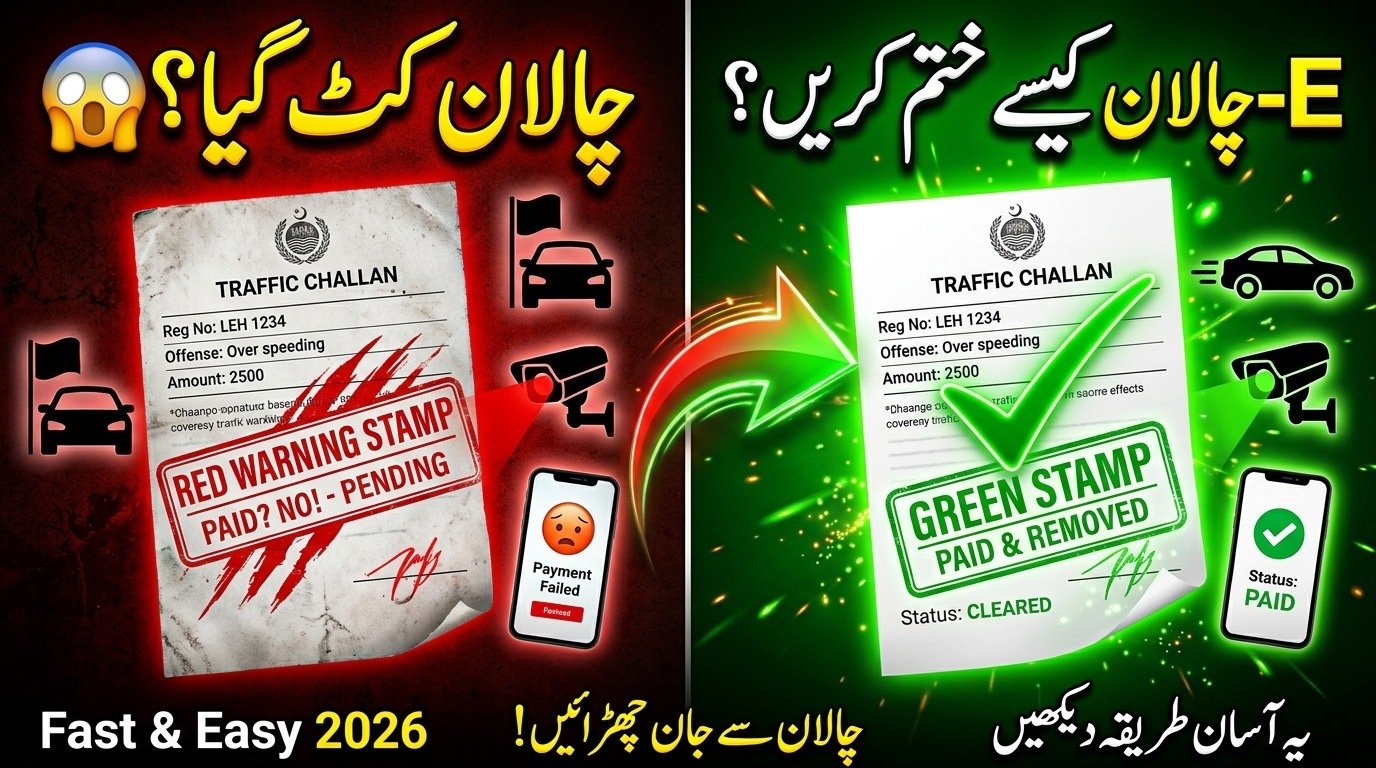
Waking up to an SMS notification about a traffic violation can be stressful, especially with the updated 2026 traffic regulations. Whether it’s a speeding ticket or a signal violation caught by the Safe City cameras, ignoring it isn’t an option anymore as it can lead to blacklisting your vehicle. This comprehensive guide simplifies the digital payment process, helping you clear your record in minutes from the comfort of your home.
Table of Contents
Quick Overview: E-Challan Pakistan 2026
| Feature | Details |
| Primary System | PSID-based Digital Payment |
| Official Portal | Punjab Police/Safe City Authority |
| Check Method | CNIC or Vehicle Chassis Number |
| Payment Apps | JazzCash, EasyPaisa, Bank Apps |
| Late Surcharge | Varies by Province (usually after 10 days) |
| Fine Types | Over-speeding, Signal, Helmet, Wrong Park |
| Vehicle Status | Updated within 24–48 hours |
| Verification | Online E-Challan Print |
The E-Challan System in 2026
The traffic management system in Pakistan has evolved significantly. In 2026, the integration of AI-powered cameras across major cities like Lahore, Islamabad, and Karachi means that violations are recorded with 99% accuracy. According to information from the official website and top 10 Google sources, these electronic tickets are linked directly to your vehicle’s registration and your CNIC. If you don’t remove the E-Challan, you might face issues during vehicle token tax payment or ownership transfer.
Step-by-Step Process to Clear Your Fine Online
Clearing your record is now entirely paperless. Follow these steps to ensure your payment is processed correctly:
- Check Status: Visit the official Punjab Police or relevant provincial traffic portal and enter your vehicle number.
- Generate PSID: Once the unpaid challan appears, click on “Generate PSID.” This 17-digit code is your unique payment ID.
- Open Payment App: Open your preferred banking app or mobile wallet (like EasyPaisa).
- Select GoPb: Go to the “GOP” or “Government Payments” section.
- Enter PSID: Input the 17-digit code generated from the portal.
- Confirm Details: Verify the amount and the violator’s name before clicking pay.
- Save Receipt: Always take a screenshot or download the PDF receipt for your records.
How to Remove E-Challan Pakistan Guide 2026
There are multiple ways to handle your traffic fines. Depending on your location, you can choose the platform that suits you best.
- Digital Portals: Accessing the Punjab Police E-Challan Portal is the fastest way to view visual evidence of your violation.
- Mobile Wallets: Apps like JazzCash have dedicated buttons for traffic police payments, making it accessible for everyone.
- ATM Machines: You can visit any 1Link enabled ATM and use your PSID under the “Bill Payments” section.
- Physical Booths: For those who prefer cash, select National Bank of Pakistan (NBP) branches still accept manual payments.
Checking Your E-Challan Status via CNIC
If you don’t have your vehicle registration book handy, you can still check your status. In 2026, the database will be more interconnected than ever. By entering your CNIC on the official Safe City Authority website, you can see every vehicle registered under your name that has an outstanding fine. This is a crucial step if you are planning to buy a used car, as it ensures the seller has cleared all previous liabilities.
Important Documents Needed for Manual Removal
While 90% of cases are resolved online, some “Manual Overrides” require a physical visit to the Traffic Police headquarters if there is a technical glitch.
- Original CNIC: You must carry your identity card for verification.
- Registration Book: The original smart card of the vehicle.
- Payment Proof: A printed copy of your digital payment receipt.
- Application Letter: A simple written request if you are contesting a “wrong” challan.
Official Helpline & Contact Information
If you face any issues while generating a PSID or if your payment isn’t in the system after 48 hours, you should contact the authorities immediately.
- Emergency Helpline: 15 (Ask for Traffic Police Department)
- Safe City Authority: (042) 99051601
- Official Website: https://psca.gop.pk/
- Complaint Email: info@psca.gop.pk
Conclusion
Learning how to remove E-Challan Pakistan guide 2026 is essential for every driver. The process has become incredibly streamlined, moving away from long bank queues to simple mobile clicks. By staying proactive and checking your status regularly on the official portals, you ensure that your driving record remains clean and your vehicle stays off the blacklist. Drive safe, follow the signals, and always keep your digital receipts saved.
FAQs
How long does it take for the E-Challan to disappear after payment?
Usually, the system updates within 24 hours. However, in some provinces, it might take up to 48 working hours to show as “Paid” on the official portal.
Can I contest a wrong E-Challan online?
Yes, most portals now have a “Dispute” button. You will need to provide the challan number and a reason why you believe the fine was issued in error.
What happens if I don’t pay my E-Challan for 3 months?
Your vehicle may be blacklisted, meaning you cannot sell it or pay for your annual token tax. In some cases, traffic police may impound the vehicle if caught on the road.